shipsmooth is an AI assistant plugin that gives you a simple yet powerful workflow for coding. Read on, or watch the demo.
shipsmooth makes two assumptions:
- You need to plan, but plans will change during implementation!
- When implementing, you want to break the planned work into vertical slices, probably taking on the risky bits first and validating them, and only then focussing on code quality.
The below image shows what a typical coding session would look like. Note especially Steps 4, 5A and 5B. They show the part where a developer might choose to keep updating the plan and task list, depending on how the implementation is going.
One Minute Demo
Take a minute and just watch shipsmooth in action. Each step in the workflow gets highlighted when the demo video is playing that bit.
1. You discuss and ask it to make a plan
2. It breaks the plan into tasks (plan version 1)
3. You launch the codegen
4. Oops. Something looks wrong!
5. You pause the codegen
6. You update the plan (Version 3; agent updates tasks)
7. Resume execution
8. Stop and go home 😊
9. Come back the next day!
Read more
Plans? Tasks??
A "plan" is just a structured markdown file that describes the design of a unit of work. See an example below (click to enlarge). A plan file may contain a list of tasks.
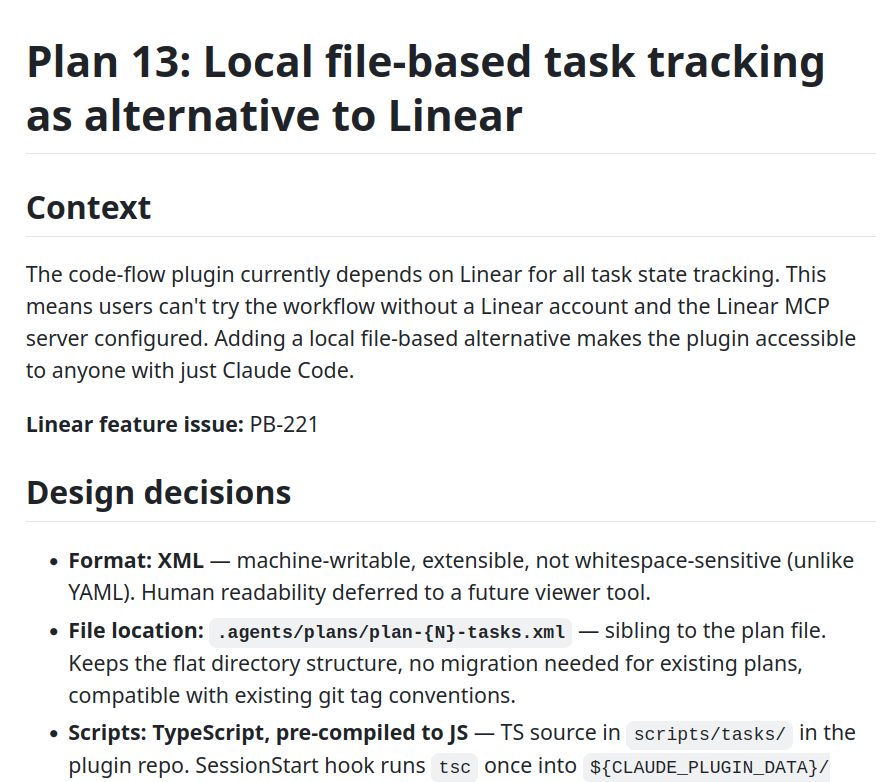
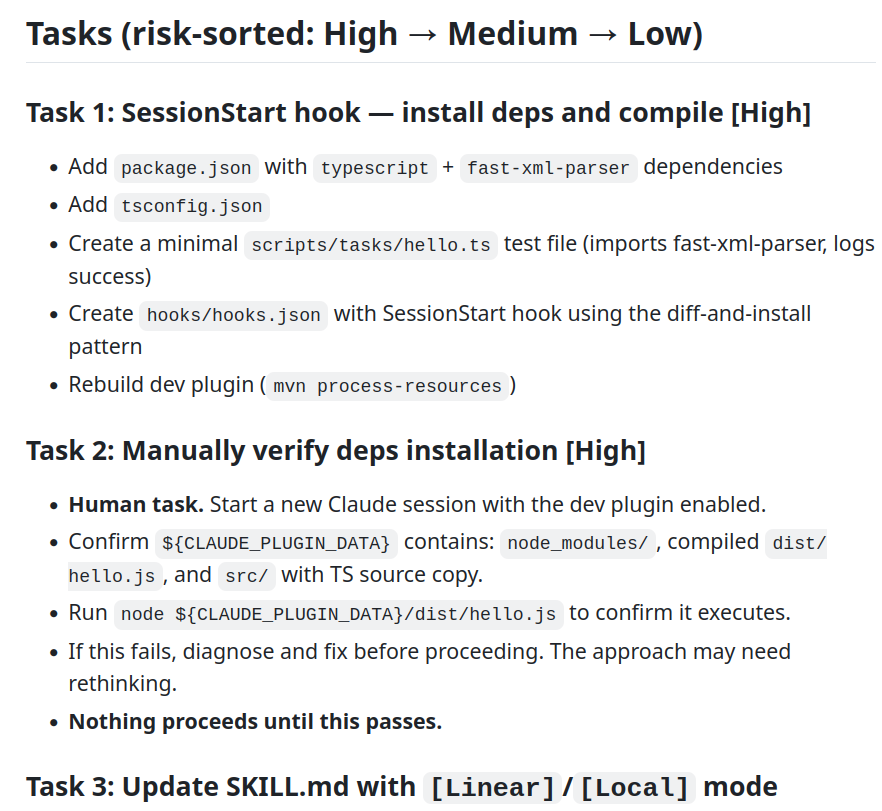
A task is the smallest unit of work. A plan is broken down into tasks. Tasks keep getting added/removed/re-ordered as required, as the plan evolves.
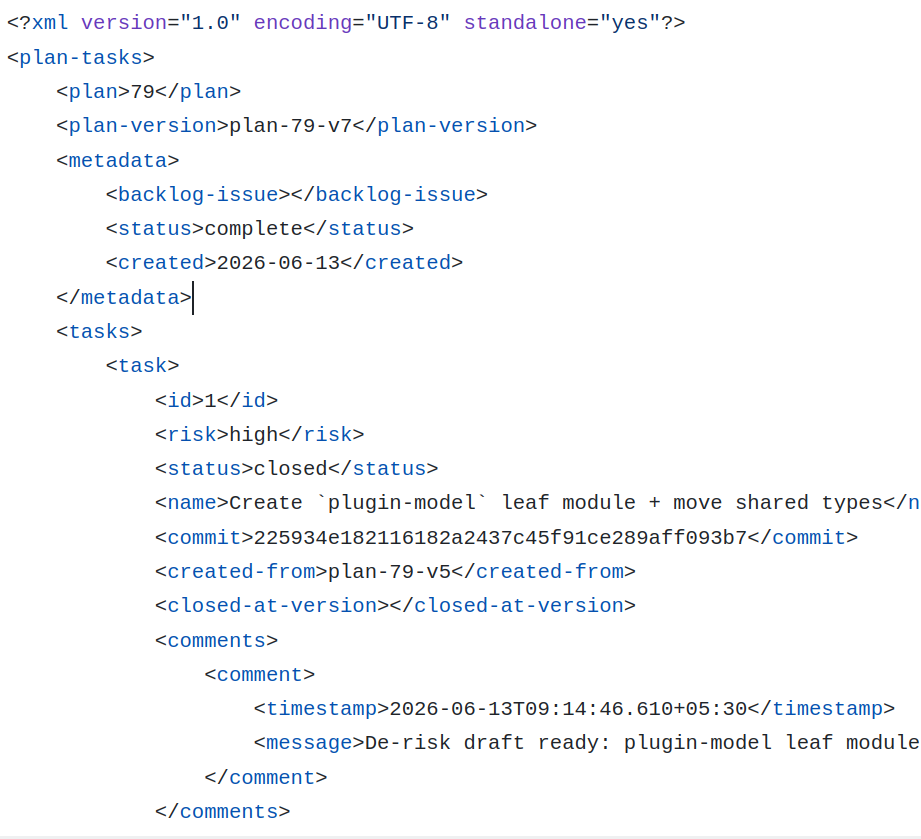
How does shipsmooth handle changes in plans and tasks?
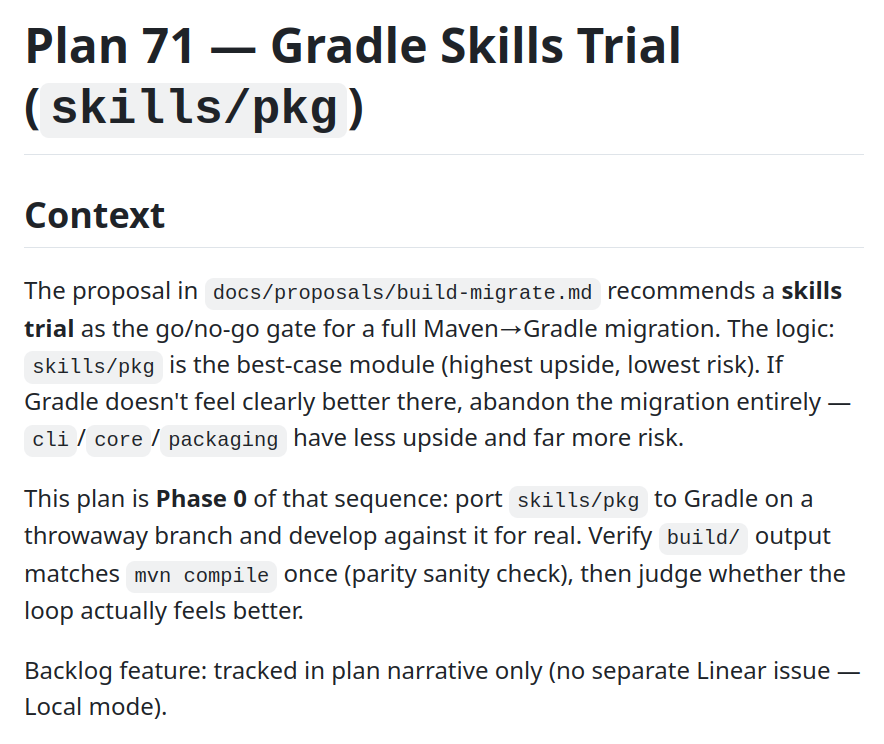
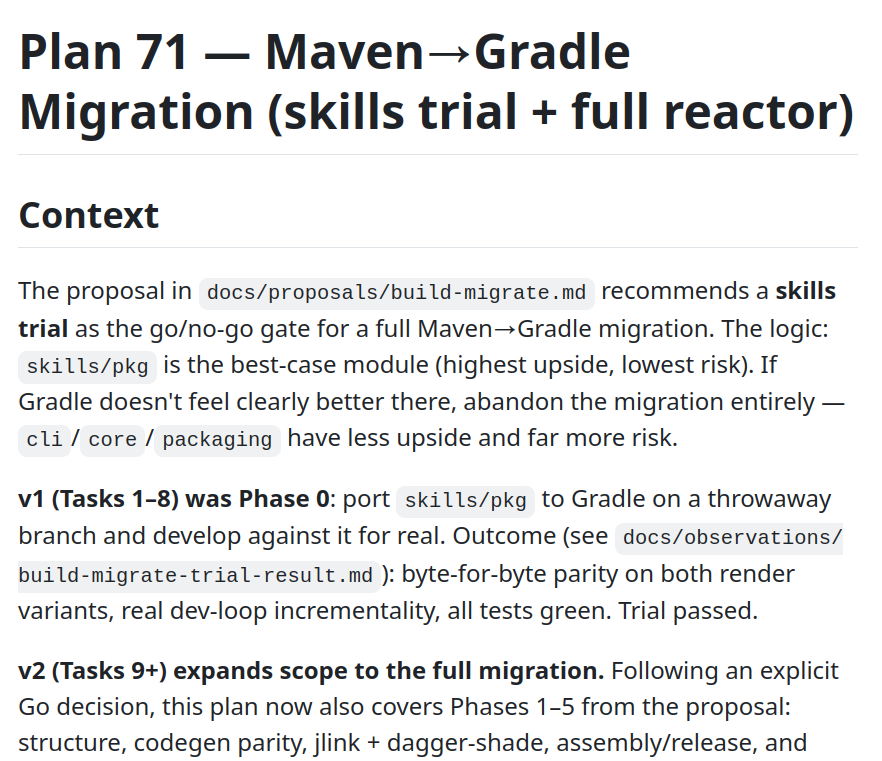
Both plans and tasks are stored as text files within the project's git repository (externalized options coming soon). Each version of a plan gets its own git tag (eg: plan-10-v1, plan-10-v2). This makes it available permanently for future reference. See below Version 1 and Version 17 (yep, that was a lot of iterating!) of a plan to migrate from Maven to Gradle.
License
Apache 2.0. View on Github
Try shipsmooth
Claude Code
- Inside your Claude Code session, type:
/plugin marketplace add bitkentech/claude-plugins /plugin install shipsmooth@bitkentech - Restart Claude Code, because the plugin needs to run some code at session start
- In the new Claude Code session type:
/shipsmooth:start
Gemini CLI
- Install the plugin (one-time):
$ gemini extensions install https://github.com/bitkentech/shipsmooth-gemini - In the new Gemini CLI session type:
/shipsmooth:start
Codex
- Install the plugin (one-time):
$ codex plugin marketplace add bitkentech/codex-plugins $ codex plugin add shipsmooth@bitkentech - In the new Codex session type:
$shipsmooth start
Who's behind this?
shipsmooth is being developed by Pramod Biligiri. A freelance software developer and consultant, currently exploring how to develop software using agents.